
Mobile locksmithPensacola to Panama City Estimate agreed before work starts Typically there in 15–20 min Open 24/7 (850) 920-7113 Text us
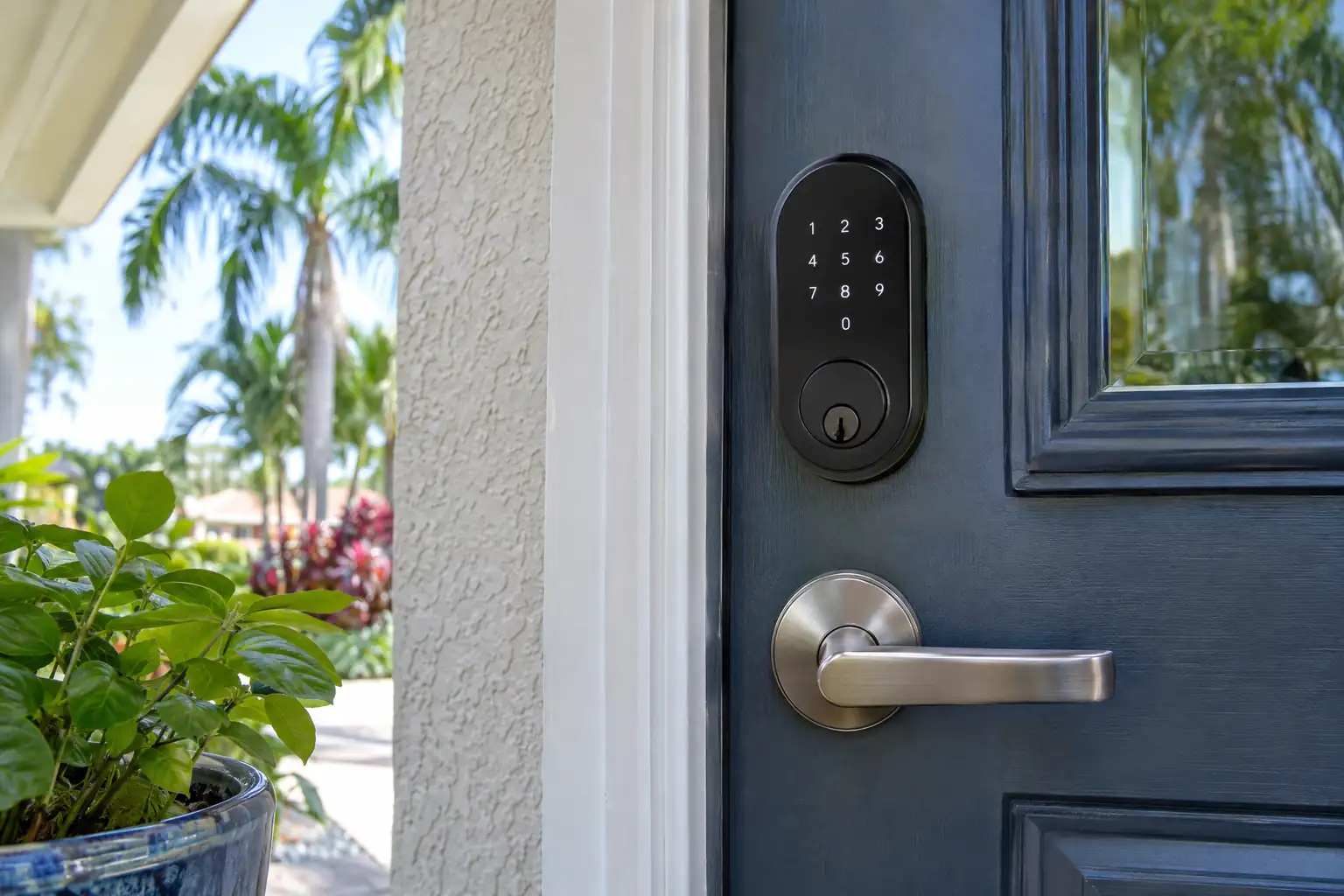
Illustration: a smart deadbolt with a keypad above a lever on a front door

How do you choose a smart lock?

(850) 920-7113

Pick a smart lock for your door and for the way your household comes and goes. The feature list matters less than fit and a reliable backup.

THE SHORT ANSWER

Most smart lock regrets come from buying first and measuring later. Start with the door you have and how your household actually uses it.

QUICK ANSWER

Before buying a smart lock, measure the door: thickness, bore holes and the hardware already there. Then decide who needs a code, who manages the codes, and how you get in when the batteries die. Call (850) 920-7113 to confirm the fit first.

Published: · Updated: · By the Best Value Locksmith team

What happens to a smart lock when the batteries die?

Many smart locks warn about low batteries ahead of time, through the app or a light on the keypad. When the batteries do run out, a backup gets you in: a physical key, an external battery contact, or both, depending on the model. Check which backup your smart lock uses before you buy it, and keep the key where everyone with access can find it. Replace batteries on a schedule rather than waiting for the warning, especially on a rental or a second home that sits empty, and check the manual for the battery type the lock accepts. If a lock has no key and no external contact, a dead battery can mean a lockout, which is a good reason to choose a model with a backup.

STEP 01

Start with the door

Check the door thickness, the size and spacing of the bore holes, and the hardware already on it. Keep the exact product model handy when you ask about installation.

STEP 02

Decide how codes will be managed

Who in the house needs a code, whether guests or cleaners need temporary ones, and whether you want to unlock it from your phone. Some features need a hub or Wi-Fi, so check before you buy.

STEP 03

Plan for dead batteries

Read what the manufacturer says about low batteries, lost connection and backup entry, and make sure everyone with access knows where the backup key is.

Was this guide helpful?

GOOD QUESTIONS. STRAIGHT ANSWERS.

More questions about smart lock

Can’t find your answer? Call or text and tell us what’s going on.

A smart lock is a battery-powered motorized lock you control with a keypad, a phone app or a home system, usually over Bluetooth or Wi-Fi. It replaces or fits over a standard deadbolt and can issue separate codes for each person. Most models keep a keyed or external-power backup, so a dead battery does not lock you out.

Yes, any connected lock can in theory be hacked, though a shared code or a weak door is the more everyday risk. Choose a brand that still ships updates, use a strong app password with two-step login, delete old guest codes as soon as they are not needed, and keep a sturdy door, frame and strike plate.

Smart lock compatibility depends on your system, so check the lock maker's current list for Ring, Google Home or Alexa before buying, because support changes by model and may need a hub. Smart lock installation with Best Value Locksmith starts from $249. Tell us your door and your system, and we check the fit before you buy anything.
A SOLUTION STARTS WITH A CONVERSATION

Need a hand with a lock or key?

Call (850) 920-7113 and tell us what happened and where you are. We confirm availability and the estimate before any work begins.

Call now(850) 920-7113Text